
Can M.2 SATA and NVMe be swapped? SSD interface and fit checks
- Confirm host interface and protocol first, then dimensions, retention, power and boot support.
- 2242 and 2280 describe dimensions, not protocols.
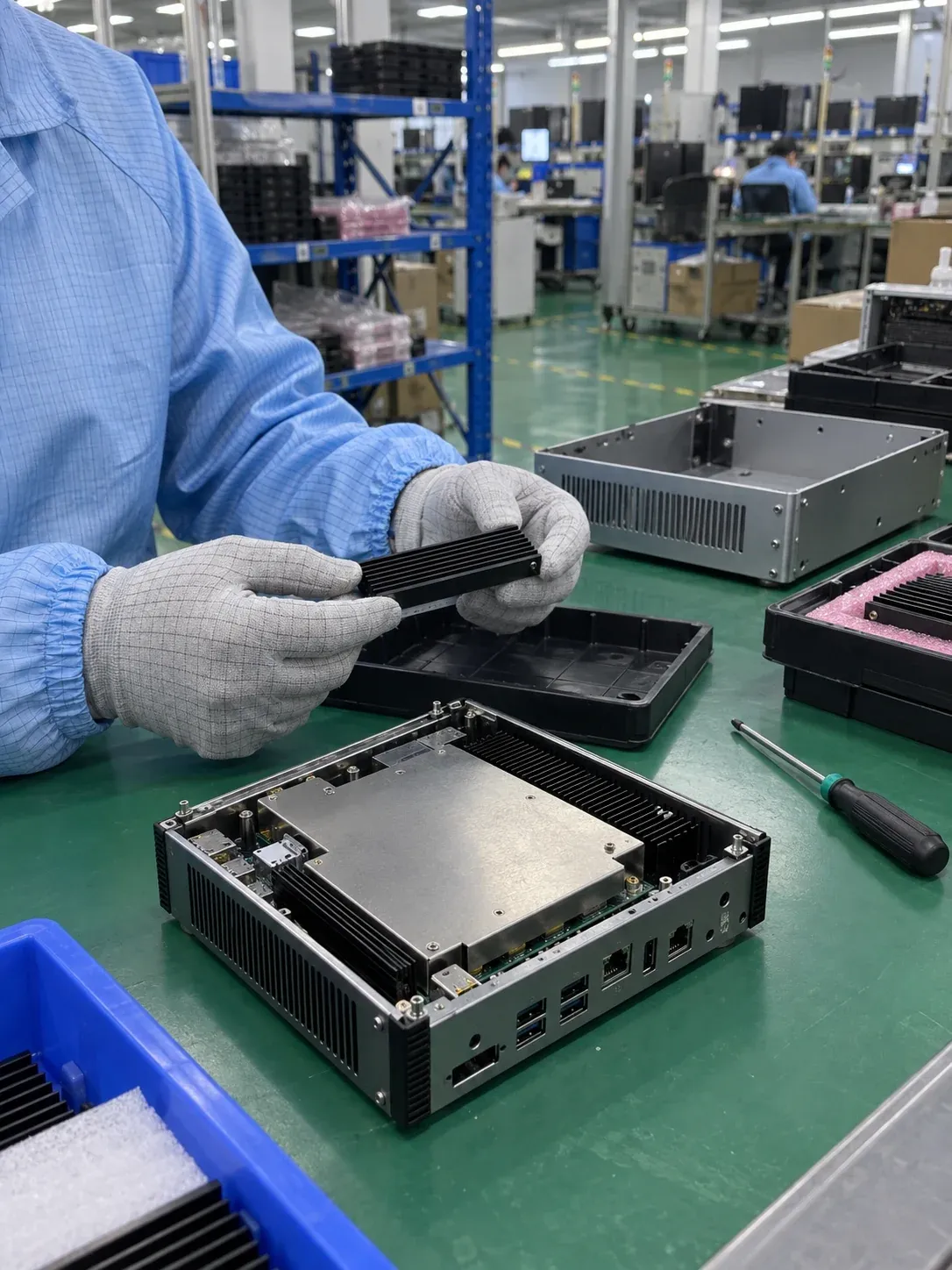
AI-generated scene illustration; not a factory photograph or evidence of testing.
M.2 SATA and NVMe are not interchangeable just because their modules look alike. Confirm the motherboard socket's supported interface and protocol first, then dimensions, power, clearance, mounting and boot support. Physical insertion is only one compatibility check.
For a replacement, obtain the motherboard model and revision, existing SSD's full part number and socket documentation. Buying the same capacity with a higher advertised speed does not establish that it will work.
Separate form factor, connection and command protocol
| Term | What it identifies | What remains to be checked |
|---|---|---|
| M.2 | Module and connector form specification | Actual socket routing, key, length and component height |
| SATA SSD | Storage connection using SATA | Host connection, controller, power and installation |
| PCIe/NVMe SSD | PCIe connection with the NVMe command protocol | Lanes, generation, firmware recognition and boot support |
AHCI is a host-controller interface commonly used with SATA, not another name for the SATA command set. NVMe defines a storage command/interface architecture; the local SSDs discussed here connect through PCIe. NVM Express specifications.
Compare the physical options without guessing the interface
| Form | Typical configuration to verify | Mechanical check |
|---|---|---|
| 2.5-inch | SATA, SAS or a PCIe-connected enterprise implementation, depending on model | Connector, bay, thickness, power and cabling/backplane |
| mSATA | SATA on the specified mSATA connector | Board mounting and clearance; similar appearance to mini PCIe is not compatibility |
| M.2 SATA | SATA in a socket supporting it | Key, length, fixing position and height |
| M.2 PCIe/NVMe | PCIe and NVMe with compatible host support | Key, lanes, length, height and thermal arrangement |
| U.2 / EDSFF enterprise SSD | Exact PCIe/NVMe device and system specification | Matching backplane, power, cooling and service procedure |
The 2.5-inch form does not mean SATA in every case. A purchasing record should name the actual interface instead of substituting an enclosure description. Kingston form-factor overview.
Common SSD sizes include 2230, 2242, 2260, 2280 and 22110. In these examples 22 denotes width in millimetres and the remaining digits length. That list is not a claim that every M.2 device is 22mm wide. A 2280 module is 22 x 80mm; a 2242 is 22 x 42mm. Size does not identify protocol.
Some PC motherboards provide multiple mounting positions for the same socket and can mechanically accommodate both 2280 and 2242. Confirm the manual, the 2242 fixing point, allowed thickness and supported protocol. Support for a 2280 module alone does not guarantee support for a shorter 2242. Kingston M.2 installation FAQ.
A matching key is not complete compatibility
B, M and B+M keying constrain connector fit and available pin assignments. Common storage implementations associate B-key with SATA or up to two PCIe lanes and M-key with up to four PCIe lanes; B+M modules can fit appropriate B or M sockets. These possibilities do not tell you which signals the motherboard actually routes or which protocol a specific drive uses. ATP key and socket guide.
A SATA-only host cannot use a PCIe/NVMe drive merely because it physically fits. Conversely, a socket wired only for PCIe does not provide SATA support. Check the exact board/drive combination rather than claiming every cross-protocol module will physically fit. A passive adapter changes connections; it does not create a protocol controller missing from the host. Active bridge products require their own explicit compatibility review.
Check assembly before powering the system
Confirm the standoff, screw or retention system, single/double-sided component height, adjacent parts and heatsink clearance. Adding a thermal pad or heatsink changes height and contact pressure, so validate the assembled enclosure. Do not leave a shorter module unsupported or force a board against underside components.
Follow the equipment maintenance procedure and disconnect power before handling internal M.2 modules. Do not repeatedly hot-plug an internal module to see whether it is recognized.
Recognition and booting are separate results
A running operating system may detect a drive that the motherboard firmware cannot boot from. The customer or maintenance provider must check BIOS/UEFI support, boot mode and its system-recovery plan, then validate in the target device.
Kalstor supplies hardware, not operating-system installation, software-image preloading or restoration, migration or software licensing. Board and interface information supports hardware selection; software work is not an implied part of an SSD order.
Link bandwidth is not an application-speed promise
SATA 6Gb/s is a link rate, not a promise that every SATA SSD sustains the same write speed. PCIe generation, lanes and negotiated mode determine a link ceiling; a compatible Gen4 drive in a Gen3 host operates at the lower negotiated generation. Controller, NAND, capacity, temperature, fill state and workload determine the delivered result.
There is no fixed NVMe-to-SATA speed multiplier for all tasks. Compare sustained writes, latency or boot behavior for the intended workload, not only peak sequential reading. Neither interface alone establishes power consumption or cooling needs. Measure the candidate in the enclosure rather than assuming SATA always runs cool or NVMe always needs an added heatsink.
Send these fields with the inquiry
Provide board model/revision, existing SSD part number, socket interface specification, required dimensions, capacity, environment, purpose and quantity. Clear label and socket photographs can assist identification but do not replace the board manual. Include daily writes, acceptable pauses and measured enclosure temperatures when available.
Check endurance, PLP scope and industrial SSD requirements separately. Confirm current supply and change-control terms rather than carrying forward an old shortage claim. Submit the hardware replacement requirements; sample recognition must still be followed by the customer's actual system workload validation.
FAQ
Does B+M always mean SATA?
Does NVMe always improve application speed?
Are mSATA and mini PCIe interchangeable?
References
We publish measured usable capacity and define trial-batch verification against the quoted product and agreed test scope.