
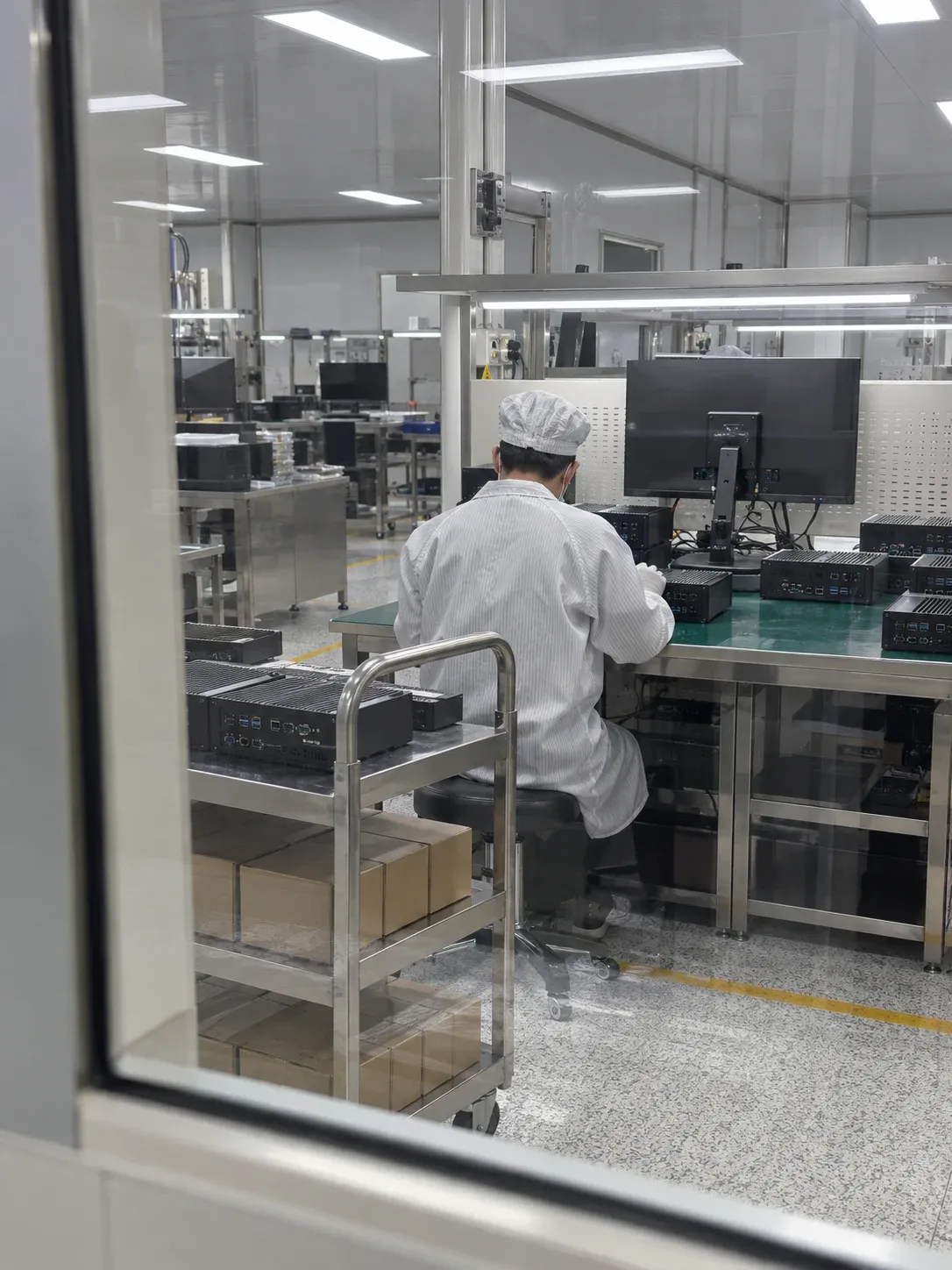
Replacing an SSD in a legacy industrial PC: verify motherboard support first
Before replacing an SSD in an older industrial PC, confirm that the motherboard supports the candidate drive's interface and protocol. Use the exact board or equipment model to check manufacturer documentation; connector appearance or the ability to insert a module does not prove compatibility.
After interface support is established, check mechanical fit, boot behaviour, system recovery and business operation. Equal capacity, similar appearance or recognition by the operating system cannot establish readiness for service on their own.
Image: AI-generated industrial-computer workshop illustration, not an actual factory photograph or a completed replacement project.
Kalstor supplies storage hardware only. Software installation, image preparation or recovery, software licensing and application maintenance remain the customer's or its appointed maintenance provider's responsibility. The system checks below are purchasing dependencies for that team, not software services offered by Kalstor.
1. Confirm the motherboard before comparing drives
Obtain the exact motherboard or equipment model. Verify which storage interface and protocol the manufacturer supports. If the support range is unclear, ask the equipment maker or maintenance provider before selecting a purchase part number. Interface photographs assist identification but do not replace model-specific documentation.
Then record the original drive's full model, capacity, protocol, dimensions, mounting position and readable firmware information. Add operating system, boot mode and manufacturer storage restrictions. Interface support is a screening prerequisite, not a substitute for boot and system validation.
M.2 describes a family of physical and connection specifications, not universal SATA or PCIe/NVMe support; see the SSD interface guide. Include adapter boards, encryption devices and special boot arrangements in the system record. Unknown fields should remain pending rather than being guessed from edge contacts.
2. Protect unique data before copying or testing
If the original drive remains readable, the system-maintenance owner should first confirm backup, imaging and recovery permissions. Do not run overwriting capacity tests, initialization or destructive benchmarks on the only original. For a drive repeatedly disconnecting or reporting read errors, decide the recovery path before repeated power cycling potentially complicates recovery.
Possessing an image file does not prove that a usable system can be restored. The maintenance team needs to check image completeness, target space and partitions, boot configuration and whether applications depend on original hardware identity or licence files.
Record backup and restoration validation separately. For whole-disk imaging, compare actual usable target capacity and the cloning tool's requirements, not just label capacity. Partition adjustments belong on an image copy and a separate target drive, not the only recoverable original.
3. Customer acceptance must include business operation
After installation, recognition and boot checks, the customer's technical team should exercise the actual business workflow: control application, peripheral communication, database or log writing. A photograph of the desktop is not adequate acceptance evidence.
| Stage | Record retained by the equipment owner |
|---|---|
| Installation and recognition | Equipment, interface, sample model and firmware |
| Image recovery | Image version, method, partitions and boot configuration |
| Restart and abnormal recovery | Run count, trigger conditions, failures and recovery actions |
| Business operation | Application version, peripherals, workload and observation time |
| Release | Accepted scope, untested items and approver |
Before testing, the equipment owner should define repeated-start counts, restart conditions following power interruption and business-run duration. Retain the original drive or approved image as agreed. Failed candidate validation needs an authorized recovery path, not improvised changes to the only recoverable copy.
4. Keep the quotation limited to hardware
Kalstor's quotation should identify hardware model, quantity and whether installation accessories are included. It does not include software installation, preloaded images, recovery, licensing or application maintenance.
Purchasing costs can also include downtime windows, recovery media, licence constraints and the customer's on-site engineering time. Identify these independently before ordering so missing recovery resources are not discovered after delivery.
Plan spare quantity using installed population, failure records, replenishment time and acceptable downtime. This is not a prediction that a specific SSD will fail in a particular year. Related scope questions appear in the SSD accessory quotation guide.
5. What should be sent to Kalstor?
Provide original drive model, equipment or motherboard model, interface and installation photographs, system version, required capacity, expected quantity and replacement timing. System information supports hardware-compatibility review; it does not add software services to the order.
Kalstor can help review candidate industrial SSD hardware. Direct replacement suitability remains subject to equipment documentation and validation by the customer or maintenance provider. Submit the hardware replacement requirements before selecting solely by capacity.
FAQ
Does greater capacity make replacement easier?
Can interface compatibility replace system testing?
Does Kalstor restore system images?
We publish measured usable capacity and define trial-batch verification against the quoted product and agreed test scope.