
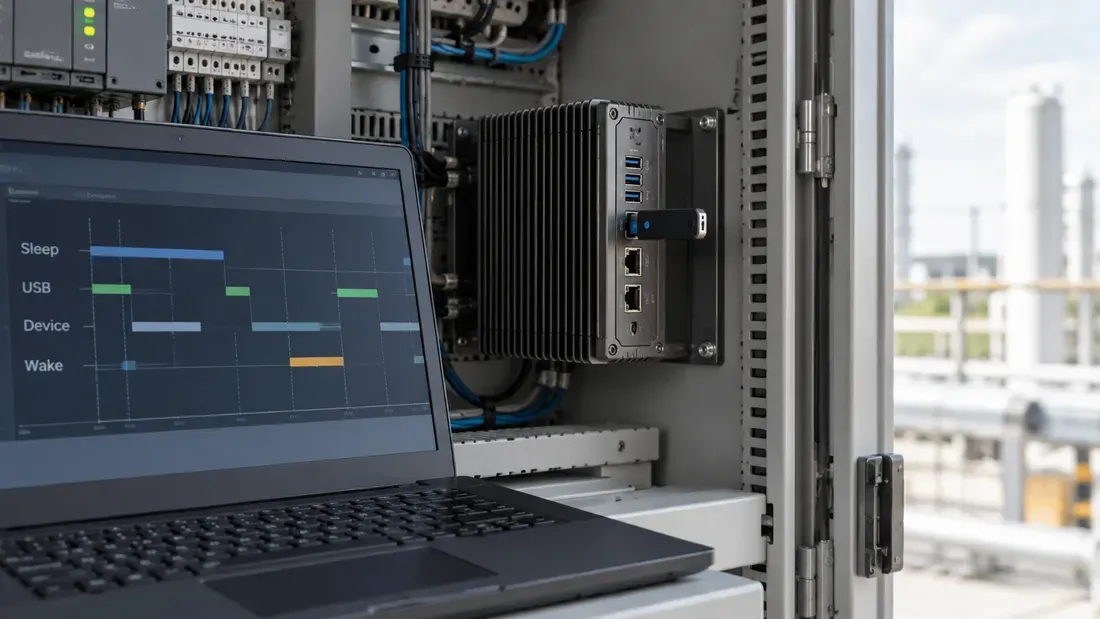
Diagnosing Missing USB Storage After Idle and System Resume
- Isolate failures across the USB bus enumeration, block device registration, filesystem mount, and application levels.
- Differentiate runtime power management (Linux autosuspend, Windows selective suspend) from global system sleep states.
- Use single-variable testing and official diagnostic traces such as Microsoft ETW or Linux kernel logs before altering policies.
When external USB storage vanishes following an idle period or a system wake event, administrators often default to globally disabling host power management. Such a change affects other behavior and should be tested only after the failure stage is known. Systematic debugging requires isolating where the failure occurs in the I/O stack and distinguishing device-level runtime power savings from system-wide sleep transitions.
The I/O Diagnostic Stack
A missing drive can originate at multiple distinct layers. Pinpointing the exact tier prevents misconfiguring drivers or operating system policies.
| Diagnostic Layer | Observed Behavior | Primary Diagnostic Signal |
|---|---|---|
| USB Bus Enumeration | Device disappears entirely from bus topology. | The device is absent from the captured USB topology; correlate with host events. |
| Block Device Layer | Bus detects hardware, but disk node (/dev/sdX or Diskpart) is gone. | The USB device remains visible but no usable block device appears; inspect storage-driver logs. |
| Filesystem / Mount | Device node exists, but volume drops or switches to read-only. | Check mount/volume status and filesystem messages; they do not alone identify a USB power fault. |
| Application Layer | File path inaccessible, though the operating system sees the volume. | Record the failing call and timestamp alongside a healthy OS-visible volume. |
Power Transitions: Runtime Idle vs. System Sleep
Operating systems manage USB power via two distinct mechanisms:
- Runtime Power Management: Windows Selective Suspend and Linux runtime autosuspend can suspend selected idle USB devices while the OS remains active. The exact support and policy are host, driver and device dependent.
- System Sleep States: A supported system sleep and resume follows the platform power design. It may involve different controller and port behavior than runtime idle; do not presume that all USB ports lose power or re-enumerate.
Methodical Isolation and Verification
To identify why a device fails to recover, follow a controlled isolation protocol:
- Record Topology and Baseline Attributes: Document the host controller model, OS driver version, intermediate hub tiers, device VID/PID, and precise transition timestamps.
- Capture Official Traces: On Windows, capture Event Tracing for Windows (ETW) logs via the Microsoft USB event provider to correlate bus and port events with the failure. On Linux, review kernel and udev events with timestamps for the intended device and hub.
- Execute Single-Variable Testing: Modify only one configuration parameter at a time (e.g., changing a device-specific power setting where the host supports it, then restoring the original value).
- Restore Original Baseline: Once data is collected, revert temporary configuration changes to avoid drift across production environments.
For replacement selection, include the exact host topology, storage device and failing transition in a quote request.
References
We publish measured usable capacity and define trial-batch verification against the quoted product and agreed test scope.