
Buying USB media for firmware service kits: versions and field recovery
Procure a USB drive for offline equipment updates against the target host's requirements, then let the equipment owner bind that hardware to an approved file version and recovery procedure. Opening a folder on an office computer proves neither recognition by the field device nor a successful update.
Kalstor supplies storage hardware only. It does not provide software installation, image preparation or recovery, software licensing, or update-package preloading. File writing, verification, release approval and field recovery remain with the customer or its authorized service provider. This distinction should be recorded before ordering, not discovered when service staff need a ready-to-use kit.
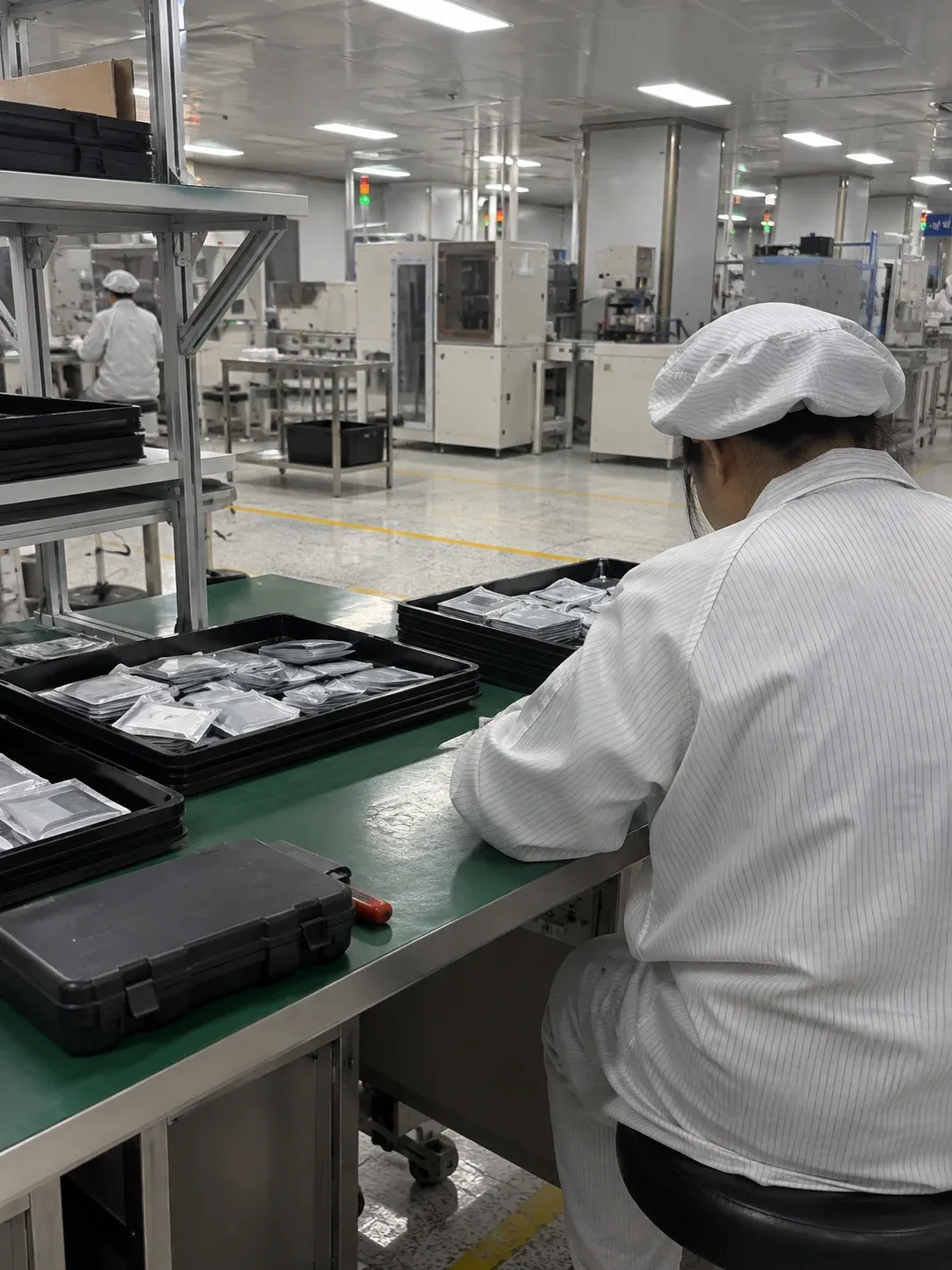
Image: AI-generated packaging-workbench illustration, not an actual factory photograph, stock claim or successful update record.
1. Ask the equipment owner to define the inputs
Record the equipment model and revision, supported USB connection, usable capacity range, partition layout and filesystem. Include required paths and filenames, individual file sizes and any restrictions documented by the equipment manufacturer. Neither a familiar connector nor a faster advertised USB interface establishes compatibility with an older host.
The equipment owner should identify the authorized package version, supported devices and exclusions. It must also define signature checks, permissions and any downgrade restrictions. Do not reformat a drive merely because another filesystem seems more convenient. Formatting and preparing a release kit are customer-controlled steps that must follow the tested procedure.
Licensed files, credentials and customer information require the owner's authorization and handling policy. Private signing keys should not be copied onto routine service media. A purchasing request can specify package size without sending software or secrets to the hardware supplier.
2. Separate file integrity from update security
A cryptographic hash can compare a file against an independently retained, approved reference, but an ordinary hash alone does not authenticate its publisher. Signature validation and permission to install an update are equipment-side functions. A drive does not provide those protections simply by storing the package.
The customer's preparation process should check copying and synchronization errors, follow the operating system's safe-removal procedure, reconnect the media and read it back against the independent file list and hashes. Reconnecting avoids relying only on the host cache from the preceding write. Retain the media identifier, package version, verification result and operator or station record.
On Linux, fsync documentation distinguishes synchronization of file data from persistence of the containing directory entry and requires error handling. That programming detail supports a controlled workflow; it is not a guarantee that arbitrary devices survive every interruption. Normal delivery verification is not a sudden-power-loss test or a promise of permanent data integrity.
3. Validate the field procedure on an isolated sample
The equipment team should run insertion, recognition, package discovery, verification, installation, restart and version confirmation on an authorized, recoverable sample separated from equipment in service. Establish the recovery method before deliberately testing invalid packages or interruptions. Never use a customer's only copy of important data.
| Test condition | Evidence retained by the equipment team |
|---|---|
| Correct package and target | Equipment revision, package version, media model and final version |
| Wrong model or damaged file | Rejection stage, error message and device state |
| Removal or power interruption | Exact stage, trigger timing and recovery actions |
| Restart after interruption | Bootability, installed version, user-data condition and elapsed recovery time |
Distinguish interruption while reading the USB package from interruption while writing the internal system or during first boot. "Recovered" is insufficient without the state and actions that produced that outcome.
Android A/B updates illustrate a system design that maintains another bootable slot and supports fallback under specified conditions. They do not prove that a different device has equivalent protection. Resume and automatic recovery must be supported and tested on the actual equipment, not advertised as USB-drive features.
4. Keep labels and obsolete versions under control
The customer's final kit label should identify the kit number, content version and applicable equipment. Capacity alone cannot distinguish two packages for different machines. Define who withdraws obsolete kits, replaces field copies and informs users after a revision.
Keep the hardware purchase line separate from the customer's software preparation record. Specify media model, quantity, physical label and packaging requirements in the hardware RFQ. Confirm which physical labeling or packaging options are available before including them in an order; do not imply that a hardware label certifies the files later copied by the customer.
5. What should be sent to Kalstor?
Provide the equipment model, USB connection and host-format requirements, capacity, expected quantity, package size for capacity planning, and physical labeling or packaging needs. Describe service use, storage conditions and any validated host limitations. These inputs support a hardware comparison, not approval of update software.
Review USB storage hardware and submit a hardware RFQ. The customer remains responsible for file preparation, verification, version control and recovery. For comparable offers, use the storage RFQ checklist to separate mandatory requirements from optional physical accessories.
FAQ
Is a larger USB drive always safer for an update kit?
Does a matching file hash guarantee recovery after unplugging?
Does Kalstor prepare or install the update software?
References
We publish measured usable capacity and define trial-batch verification against the quoted product and agreed test scope.