
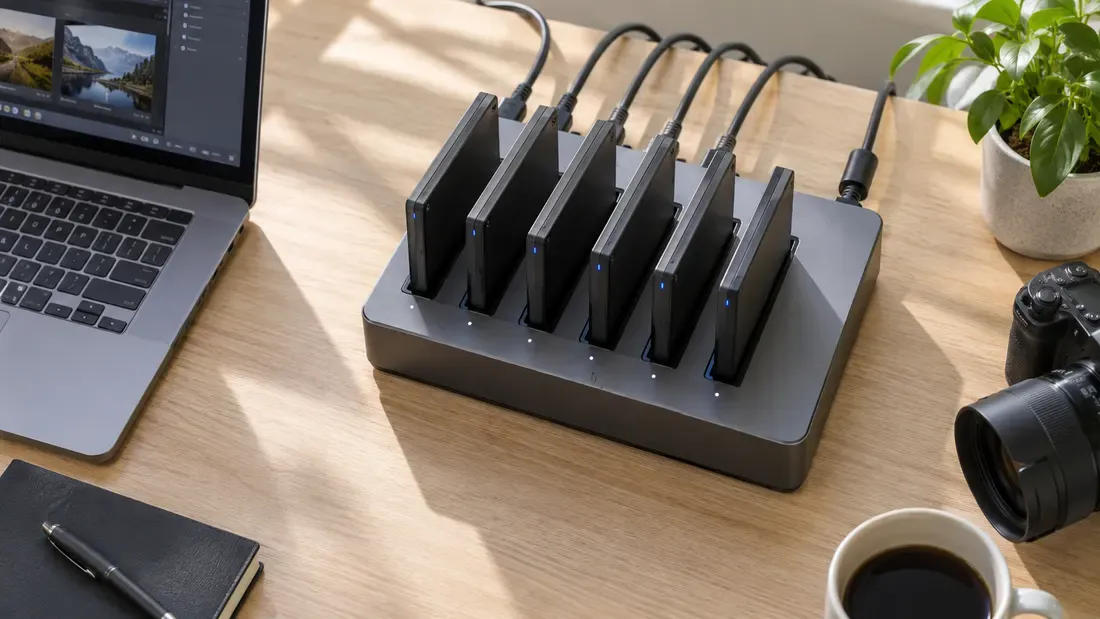
Why Does a USB Copy Station Slow Down When More Drives Are Added?
- Port count and USB signaling rate do not determine finished, verified drives per hour.
- Measure source reading, shared upstream transfer, target writing, verification, handling and failures separately.
- A powered hub can help meet its specified power budget; it does not create an independent upstream data link.
Adding USB ports can lower the copy rate per drive without lowering the number of good drives finished per hour. The production decision therefore depends on the whole batch cycle, not a single port's peak speed. Find which stage starts to consume extra time as concurrency rises: reading the source image, moving bytes over a shared upstream path, writing the targets, reading them back for verification, or handling failures.
The content-loading guide covers release checks and data integrity. Here the question is how many verified units the station can complete under its actual topology and workload.
Draw the real path before calculating capacity
Several front-panel sockets can sit behind the same hub or host controller. On Windows, Microsoft USBView displays a connection-oriented tree of controllers, hubs and attached devices. Record the path for each target and the reported connection properties; the tool's support for newer USB details varies. Consult the host and hub documentation for the actual upstream link and power limits.
The USB-IF USB 3.2 overview describes signaling rates and operation at the lowest common supported speed. Those rates are not measured file-copy throughput. Devices behind one hub contend for its upstream path; they may also compete for source-disk reads, CPU time, memory or the copy application's own workers. A self-powered hub can supply power according to its rating, but the same upstream data path remains shared. Power instability must be confirmed from errors, resets or an approved measurement—not inferred from a slow batch alone.
Individual flash drives can also write at different rates over a long image. The exact part, firmware, capacity, prior fill state and temperature can matter. Do not assume an SLC write cache or a fixed sustained speed for every USB stick.
Time each stage as targets are added
Run the same approved image through the same copy and verification policy. Keep host, hub, ports, software version, target part and preparation state recorded. Test the relevant target counts—for example 1, 2, 4 and 8 if the station has eight ports. Use dedicated media because image writing overwrites data. Repeat runs enough to see whether a single slow or failed target changes the batch result.
| Per-batch record | What to capture |
|---|---|
| Topology | Host/controller, hub model and power source, upstream connection, port map and any link-speed changes. |
| Source | Image bytes, location of master, source-read time and whether the software caches the image. |
| Copy | Start/end time, each target's written bytes, errors or resets, and slowest target completion. |
| Verification | Method, read-back or hash scope, duration, failures and whether this stage runs in parallel with copying. |
| Handling | Insert/setup, labeling, eject, rework and operator wait time. |
| Result | Good units accepted, rejected units, total wall-clock time from setup to completed batch. |
Calculate good units per hour as accepted units × 3,600 / measured batch seconds. If verification overlaps copying, do not add the two durations as if they were sequential; use the actual wall-clock interval. Include rework time or report it separately with a stated rule. A faster copy phase is not a production gain if verify or operator handling becomes the limiting stage.
Change one bottleneck at a time
If aggregate copy throughput plateaus as ports fill, compare USB topology and source-read activity. If copy remains fast but verification grows, profile read-back and hash CPU use. If one target repeatedly extends the batch, compare it with another unit in the same port and move it to a different port; do not diagnose a bad hub from one slow drive. If disconnections coincide with full loading, check the documented hub power budget and logs before electrical investigation by qualified staff.
Use the measured worksheet to decide whether another independent host path, a different batch size or a new media candidate improves good units per hour. Send the actual image size, station topology and acceptance method with a quote request when comparing USB parts; no USB speed label substitutes for that station trial.
We publish measured usable capacity and define trial-batch verification against the quoted product and agreed test scope.