
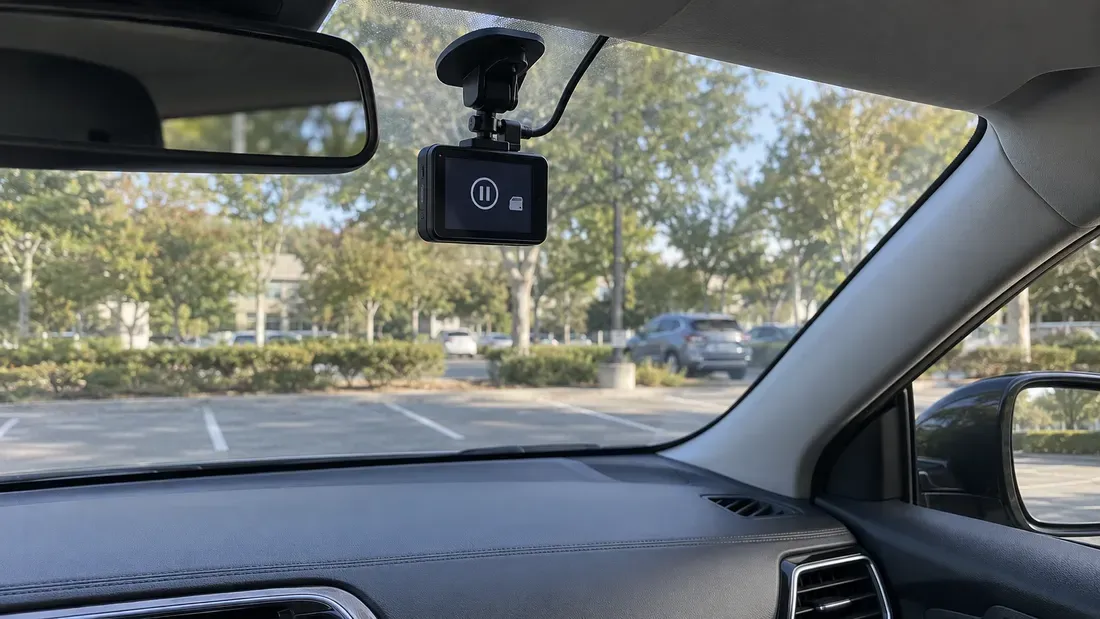
Why Does a Recorder Stop When the microSD Card Still Has Free Space?
- A free-space display does not prove that the recorder can create its next file on the intended writable volume.
- FAT32 single-file size, recorder firmware rules and write or mount faults are different failure paths.
- Save the original card and recorder logs before reformatting; reproduce on a separate supported test card.
Free bytes are only one condition for recording. The device also has to select the intended volume, create or extend a file, update its index and complete writes. A recorder may show available capacity while one of those steps fails. The right first question is which step failed and what evidence survives—not whether to buy a larger card.
Our recording-time guide estimates capacity from bitrate. This guide addresses a different symptom: recording stopped before the displayed capacity was used.
Preserve the stopped state
Record the device model, firmware, card model and capacity, displayed free space, stop time, recording mode, overwrite setting and last successful file. Export the device's event or storage log if it offers one. Preserve the original card before a format, filesystem repair or further recording changes it. If the incident has evidentiary or operational importance, follow the organization's approved imaging and chain-of-custody procedure; a sector image can preserve on-card data, not data that remained only in volatile host memory.
Do not repeatedly run repair tools on the only copy. Use a supported spare card for a controlled reproduction after the existing footage is safe. A newly formatted test card may help isolate the behavior, but it does not establish why the original card stopped.
Follow the failing operation
| Observation | Check next | What the finding would mean |
|---|---|---|
| One file stops near the same size on repeated runs | File system and whether the recorder starts a new segment | Microsoft lists FAT32's maximum single-file size as 4 GiB minus one byte. This matters only if the application tries to keep writing the same file. |
| New files stop appearing, yet existing files play | Recorder error/event log; ability to create a new file; active mount and free bytes on that volume | The displayed total might describe another partition, or the application might reject a new index entry. The exact host implementation decides. |
| Old files are deleted or overwritten early | Loop-recording and retention settings; protected or event-file quotas | The recorder may enforce its own policy even when raw free capacity remains. Check its manual. |
| Recording stops while many clips are locked or event-protected | Count protected clips and inspect the recorder's overwrite rules and writable recording area | If this model excludes protected clips from recycling, the remaining usable loop-recording space may be exhausted despite a displayed free-space figure. |
| Write latency rises after repeated record/delete cycles | Compare a supported spare, segment timing, host write errors and the recorder's file layout | File or index fragmentation is a possible contributor on some systems, but flash-media fragmentation alone does not prove slow NAND writes. A stop attributed to a full write buffer needs recorder logs or timing evidence. |
| File system changes to read-only or writes return an error | Host log, card status, connector and power conditions; test a compatible spare | A host, file-system or media problem is possible. A read-only remount alone does not prove NAND exhaustion. |
| Stop coincides with a reboot or power event | Device timestamps, shutdown policy and power logs | A lost or incomplete final segment may be a consequence of the event, not the cause of the stop. |
| Stop appears during high temperature or unstable supply | Device temperature or thermal-status logs, voltage-event records and a controlled retest within specified limits | Thermal throttling or protection and power instability are possible causes; establish the timing before assigning either one. |
The SD Association lists SDHC with FAT32 and SDXC with exFAT. The card's present formatting and the recorder's supported formats must still be checked. An exFAT format supports larger single files, but changing formats cannot fix a recorder's own clip-index limit, unsupported card, power event or write failure. Never reformat the incident card simply to test that hypothesis.
No standard file count can be inferred from capacity alone. Some recorders maintain proprietary databases, reserved regions or separate protected-file quotas. Emergency or manually locked clips may be exempt from circular overwrite, depending on the model. Request the exact recorder manual or vendor statement before assigning a limit. If the interface only says “card free,” verify which volume and measurement the number represents.
Reproduce one hypothesis at a time
Set up a supported spare card with the same firmware, recording profile and overwrite policy. Record segment duration, file sizes, free space on the writable volume, host errors and the time recording stops. If safe, vary only one condition: segment length, loop policy, card or device. For power-related suspicion, have qualified personnel inspect existing host logs and approved test points; the card should remain properly installed in its normal socket.
A useful escalation packet contains the original and test-card identifiers, firmware, filesystem, free-space reading, last file size and timestamp, log messages, recording settings, and the exact controlled difference that changed the result. Send system-level behavior to the recorder vendor. If a replacement storage part is being evaluated, attach the same evidence to the quote request so compatibility can be checked on the actual host.
References
We publish measured usable capacity and define trial-batch verification against the quoted product and agreed test scope.