
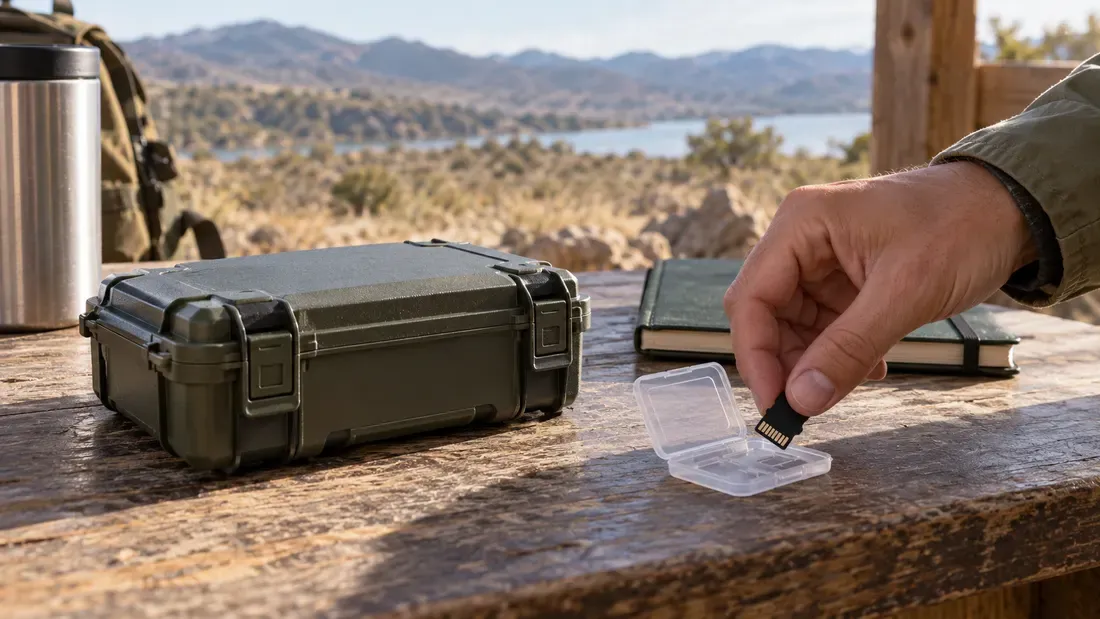
microSD Hot Swap and Live Removal in Field Devices
- Physical card accessibility does not guarantee host electrical, OS, or application hot-swap support.
- Safe field replacement requires stopping active reads and writes, unmounting partitions, and following the OEM service procedure.
- Abrupt card extraction during active I/O risks metadata corruption, broken file tables, and data loss.
A visible, push-push microSD slot on an edge gateway, data logger, or industrial controller makes physical removal easy. However, mechanical access does not equate to electrical or logical hot-plug capability. Removing flash media while a system is live without verified host support can cause lost writes or filesystem damage.
Deconstructing the Hot-Swap Stack
Safe live removal requires alignment across multiple hardware and software layers:
- Mechanical Slot vs. Card Detection (CD): While a socket physically accepts insertion or removal, the host needs a documented method to handle removal and reinsertion. Whether a card-detect contact exists and how firmware handles it are board-specific.
- Application I/O Quiesce: Stop active reads as well as writes, including telemetry, circular logs, databases and file-copy or playback tasks. Even read activity can hold the filesystem busy or fail when a card is pulled.
- Operating System Unmount: The approved host workflow must complete pending writes and release the filesystem. As documented in the Linux
umount(8)manual, a busy filesystem cannot be unmounted. Desktop removal policies cannot be assumed for an embedded Linux or RTOS host. - Power Sequencing and Controller State: The host service procedure must state when physical removal is allowed. An unmount does not itself prove that the socket is electrically safe for live removal.
Field Maintenance Decision Flow
Before servicing field-deployed equipment, maintenance teams should follow a structured decision workflow rather than pulling cards on live systems.
| Stage | Verification Task | Expected State / Action |
|---|---|---|
| 1. OEM Authority | Consult device hardware manual. | If the manufacturer explicitly forbids live removal, power down the device completely before extraction. |
| 2. Process State | Check software operational status. | Stop read and write routines, including playback or file transfers, or transition the device into its approved maintenance mode. |
| 3. Filesystem Status | Issue logical unmount command. | Confirm the approved unmount operation succeeds. If it is busy, identify active users and stop under the device procedure. |
| 4. Visual/System Indicator | Observe device status LEDs or terminal log. | Use only the indication defined by the device manual; an arbitrary LED is not proof of safe removal. |
| 5. Insertion Handling | Insert replacement card and monitor re-mount. | Confirm the host detects card presence, applies stable power, and mounts the partition cleanly. |
Documenting Field Validation
Field operators should log each replacement step: device serial number, whether maintenance mode was achieved, unmount command exit status, and post-insertion detection and application read/write checks approved for that device.
Always follow your device manufacturer's integration guidelines when defining service procedures. For a replacement card, send the host model and approved service steps with a quote request.
References
We publish measured usable capacity and define trial-batch verification against the quoted product and agreed test scope.