
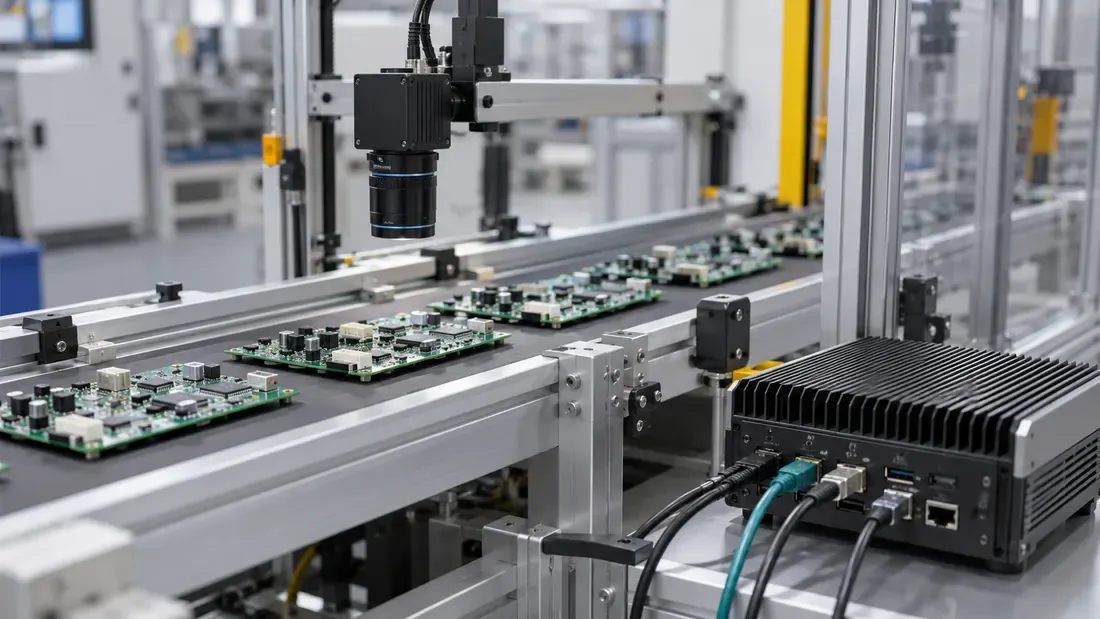
Machine-Vision Bursts: Is the SSD Causing Dropped Frames?
- A missed trigger, camera buffer overflow and application storage-queue overflow occur at different points.
- Measure bytes entering the storage queue after processing; camera output bytes do not automatically equal SSD writes.
- Record backlog and drain time between bursts before deciding that a faster SSD will help.
Frames lost during a triggered burst do not, by themselves, identify an SSD bottleneck. A camera may ignore a trigger before it acquires an image. A frame can be lost in the camera, transport or host driver before the application sees it. The application can then fill its own queue before its output reaches storage. Locate the first missing frame in that chain before changing a drive.
Basler's triggered-acquisition guidance warns that triggers beyond the camera's current capability may be ignored and that host transfer or storage limits can lead to dropped frames. Those are possible failure points, not a diagnosis for a different camera or software stack.
Record the pipeline boundary where loss appears
Assign a common time base where possible and preserve frame identifiers. Not every camera exposes every counter, so record an unavailable field as such rather than inventing a zero.
| Boundary | Evidence to collect | Question it answers |
|---|---|---|
| Trigger source → camera | Sent trigger count, acceptance/readiness indication and timestamps | Was an image requested when the camera could accept it? |
| Camera → host transport | Acquired frame IDs, camera buffer or transport errors if exposed | Did the camera acquire and transfer each accepted frame? |
| Driver → application | Received frame IDs and supported grabber counters | Did the host software receive complete frames and keep buffers available? |
| Processing → storage queue | Frames selected for saving, bytes per processed frame, queue occupancy and wait time | How many bytes actually reached the write path? |
| Storage queue → file | Submitted bytes, completion/error times, outstanding writes and resulting file IDs | Did storage keep up, or did the queue build while writes waited? |
For supported Basler pylon configurations, the stream grabber statistics include Statistic_Missed_Frame_Count for frames skipped because the camera's internal frame buffer was full and Statistic_Buffer_Underrun_Count for frames lost when no free driver buffer was queued. These names and meanings belong to that stack. Consult the exact camera and SDK manual before mapping another vendor's counters to them.
Size the application burst, not the sensor headline rate
Record the number of frames accepted in a representative burst, the actual saved bytes per frame after selection, region-of-interest cropping or compression, the duration of arrival at the application and the interval before the next burst. Also measure how many bytes leave the storage queue during those intervals. A raw camera stream can be larger or smaller than the application's persisted payload depending on processing and metadata.
A simple interval worksheet can track ending queue bytes = starting queue bytes + bytes added for saving − bytes completed from that queue. If the queue is still occupied when the next burst begins, backlog can accumulate. This accounting applies only to frames that reached the application; it does not predict a trigger ignored or a frame dropped upstream. Nor does a completed operating-system write alone prove power-loss persistence.
| Burst record | Value from the target system |
|---|---|
| Camera model/mode and trigger pattern | Accepted triggers, acquisition settings and burst/gap timestamps. |
| Frame accounting | Acquired, received, selected for saving, saved and missing frame IDs. |
| Queue input | Actual bytes added after processing and their arrival interval. |
| Queue drain | Bytes completed, storage errors and peak/backlog at the next burst. |
| Conditions | Host CPU load, transport configuration, device fill, temperature and concurrent work. |
Test the suspected stage
First establish whether frame IDs disappear before the storage queue. If they do, investigate camera readiness, transport and host buffers with the relevant vendor counters. If IDs all reach the queue but occupancy grows with slow or failed write completions, measure the actual application's file write size, concurrency, flush behavior and time window. Then test candidate storage on a disposable target with a representative version of that write workload. Keep changes to one component or setting at a time and rerun the same burst pattern.
An SSD upgrade may help when the measured write path is limiting. It cannot recover frames never accepted by the camera. Send the trigger pattern, queue and write measurements—not just peak sensor bandwidth—with a quote request when evaluating storage for the design.
We publish measured usable capacity and define trial-batch verification against the quoted product and agreed test scope.