
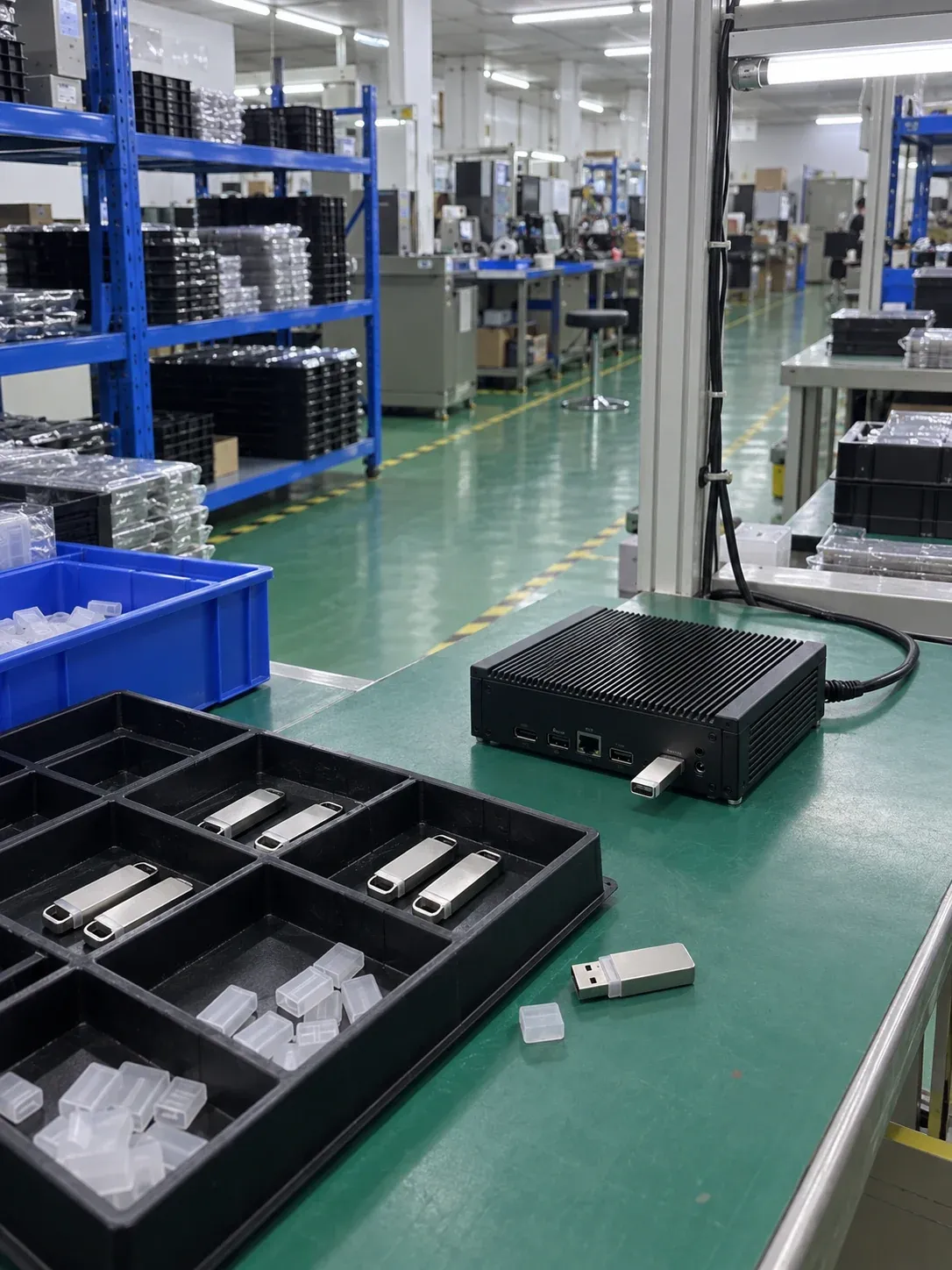
Can a regular USB flash drive support long-term device operation?
AI-generated scene illustration; not a factory photograph or evidence of testing.
Suitability depends on what the USB drive does in the device, not merely whether it is recognized. Occasional exports, storing boot content and continuous logging are different workloads. An industrial label still requires model-level endurance, temperature, connection and change-control evidence.
The removable drive used during maintenance and the module left inside a machine have different risks. The former needs reliable handling and file transfer; the latter also faces continuous power, internal temperature and field-service cost.
Define the task before choosing a drive
| Task | Information required | Sample checks |
|---|---|---|
| Occasional export | File size, frequency and removal method | Completed write, readback and stable connection |
| Boot medium | Whether logs, cache or temporary files also use it | Boot recognition, actual writes and recovery |
| Continuous recording | Daily volume, rotation and full-device behavior | Long writes, filled-state performance and data checks |
| Fixed internal module | Host pinout, connector, space and mounting | Power, assembly, recognition and temperature rise |
An OEM should distinguish a drive carrying occasional update files from embedded long-term storage. Recommendations for a particular supplier's NAND configuration are not mandatory for every project. Cactus application discussion.
USB link speed is not sustained write performance
The host port is one part of the path. NAND, controller, firmware, file workload and host activity affect the observed result. A fast port does not turn its theoretical bandwidth into the drive's guaranteed write rate.
Record the port, negotiated mode, hub or dock, power conditions, data pattern and duration. Verify the intended device's actual recording or export process rather than accepting one short computer copy test. If the normal device remains nearly full, include that state rather than repeatedly testing an empty drive.
UDP and internal USB need specific assembly information
UDP describes a common USB storage package or module form. Other internal USB products may use dedicated board connectors and fixing holes. A purchasing line saying only USB module does not specify pinout, available space, enclosure or contact position.
For vibration exposure, examine the complete connector and mounting arrangement. A shell, exposed module or soldered assembly does not alone prove vibration resistance. The relevant structure and conditions require documentation or validation.
What to verify beyond an industrial label
Request full part number, capacity, operating temperature, available endurance evidence, power-loss behavior and configuration-change terms. Without explicit PLP evidence, do not describe a product as preventing data loss. Do not transfer lifetime multipliers from another supplier's article to the proposed drive.
A low-frequency export task may permit a suitable conventional product. If failure stops remote equipment, compare verification effort and maintenance implications alongside the hardware price. Industrial USB is a candidate, not an exemption from qualification.
Start a hardware inquiry
Send the host model, USB connection, dimensions or assembly drawing, read/write purpose, expected data volume, temperature, quantity and purchasing schedule. Review USB storage modules and submit a hardware RFQ. Availability of a configuration meeting all requirements is subject to project confirmation.
For a related mechanical and product discussion, see the UDP OEM guide. System installation, software-image preparation and application validation remain with the customer or its maintenance provider, not part of Kalstor hardware supply.
FAQ
Does a boot drive always receive few writes?
Does Kalstor install the system?
References
We publish measured usable capacity and define trial-batch verification against the quoted product and agreed test scope.